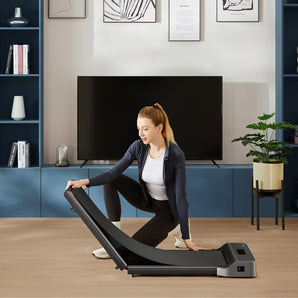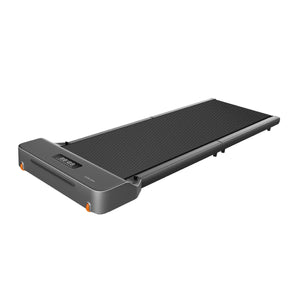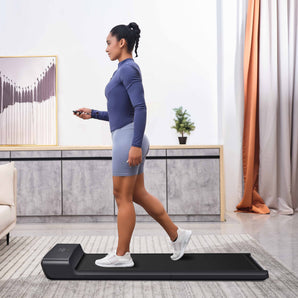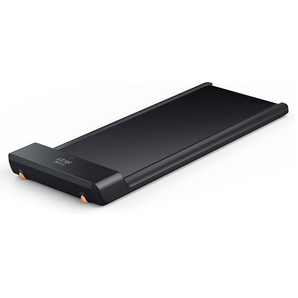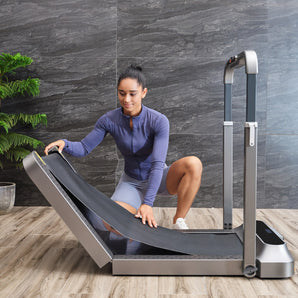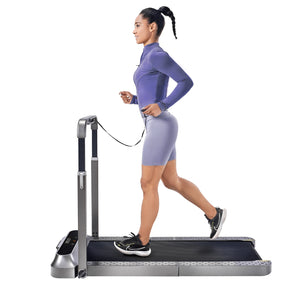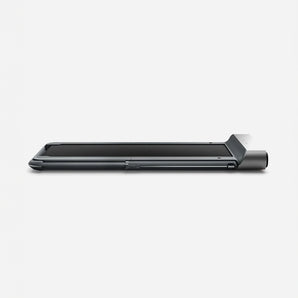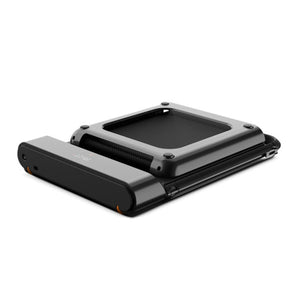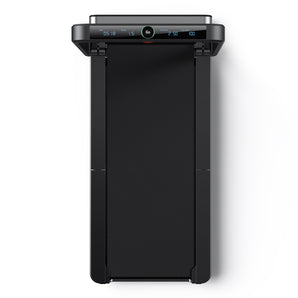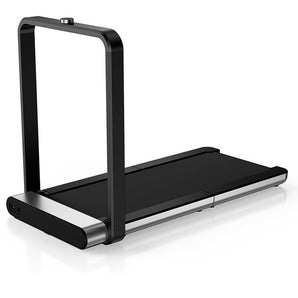

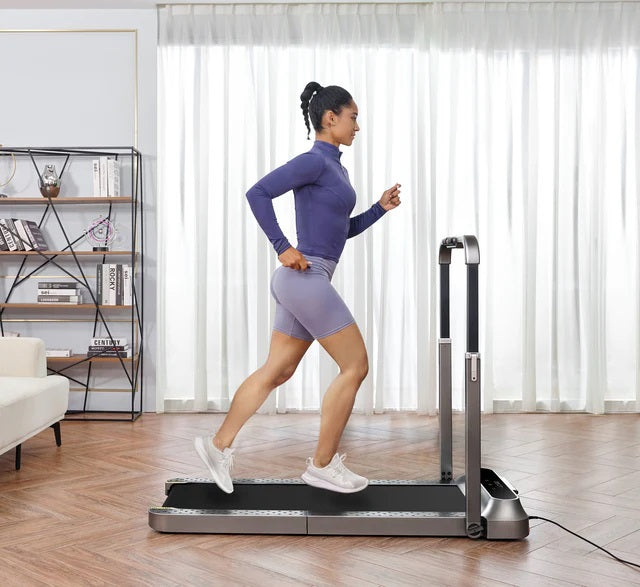
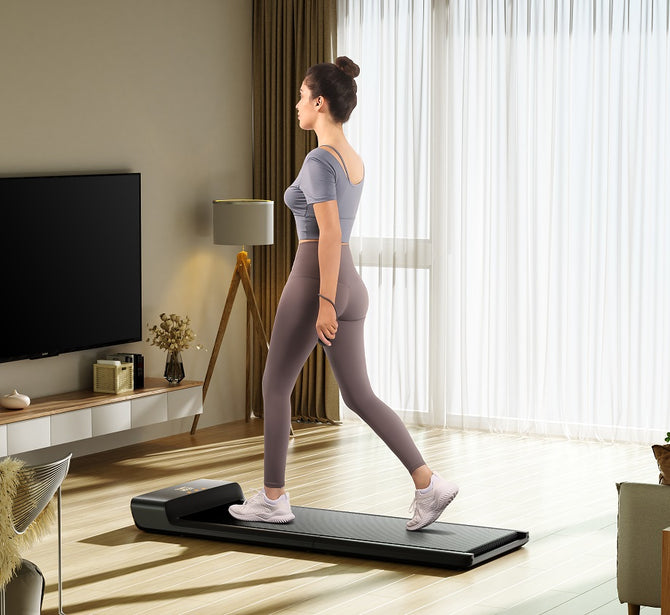


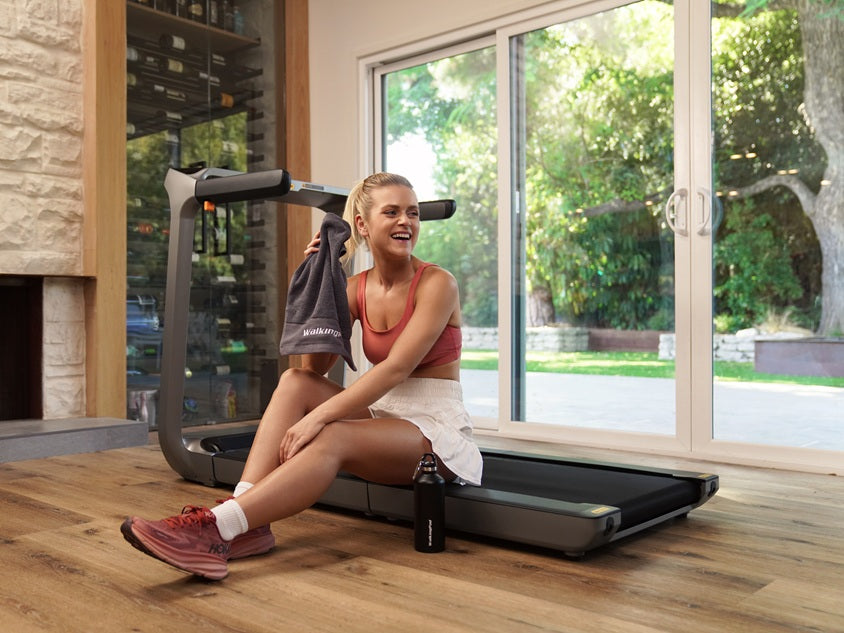

The KS Fit app is KingSmith's companion app with which you control your treadmill, plan your training sessions and track your results. If you connect our foldable treadmill to the KS Fit app via Bluetooth, you see after every session exactly how many steps, kilometers and calories you made behind your desk. This way every walk becomes a measurable training that you build up step by step.
What is the KS Fit app?
The KS Fit app is KingSmith's free app with which you control your treadmill and manage your training data. KingSmith is the manufacturer behind WalkingPad, founded in 2015 and active in more than 70 countries.
In the KS Fit app you follow your progress over multiple sessions, so you see exactly how your build-up develops over time. You control the speed of your treadmill with it and set training goals.
Getting started with the KS Fit app
In just a few minutes you can get started with the KS Fit app. You download the app, create an account and then connect your treadmill. You go through these steps once: after that the app remembers your device and your progress.
1. Downloading the KS Fit app
You download the KS Fit app for free in the App Store and Google Play. Search for KS Fit, install the app and open it.
When starting up for the first time, the app asks permission for Bluetooth and notifications: grant those, otherwise the app can't find your treadmill and you miss messages about your training. On an Android phone, the app also asks permission for location, because Android links searching for Bluetooth devices to location.
2. Creating an account in the KS Fit app
You create an account in the KS Fit app with your email address. First choose your country on the start page of the app and then register with your email.
Registering with a phone number only works for users in China, so in the Netherlands you always use your email address. You receive a verification email to confirm your account: if you don't see it, check your spam folder.
3. Connecting your treadmill to the KS Fit app
You connect your treadmill to the KS Fit app via Bluetooth. Turn on your treadmill and tap Add Device on the start page of the app. The app then automatically searches for devices nearby.
It's most convenient to first turn your treadmill off and on again, so it's in pairing mode and is found faster. Keep your phone within three meters of your treadmill and tap Connect as soon as your device appears in the list. After that, the app automatically jumps back to the start page.
The three training modes in the KS Fit app
The KS Fit app has three training modes, so you choose each time how guided you want to train. You can walk freely without a goal, work purposefully towards a number or follow a ready-made training. Which one you choose depends on your day: sometimes you just want to move, sometimes you want to achieve a concrete result.
1. Free training with the KS Fit app
With a free training you determine your own pace and duration. Tap GO on the start page and you start immediately: you adjust the speed and time yourself along the way. This mode fits well with a spontaneous walk between two meetings or a calm round while watching an episode of your favorite series.
2. Setting a goal training in the KS Fit app
You set a goal training on time, calories, steps or distance. In the menu item 'target' you indicate which goal you want to achieve, after which the app automatically stops the session as soon as you reach that goal. Convenient if you want to walk a fixed 3,000 steps or twenty minutes, for example, without watching the clock yourself.
3. Following training programs in the KS Fit app
You follow training programs via the Course tab at the bottom of the app. There you'll find complete workouts and programs, divided into categories such as individual lessons, programs and exercises.
If you choose a program, the app controls the pace according to the schedule, so you only have to walk. If you want something customized, you compose your own series in Program mode.
Creating a training schedule in the KS Fit app
You create a training schedule under the Plan tab. Tap Add Plan at the top right and choose between your own schedule or a schedule the app creates for you.
With your own schedule, you determine your training days and the content per day yourself. If you choose the AI schedule, you fill in some information about yourself and the app generates a seven-day program. All plans are in a calendar view, so you see per day what's on the schedule and look back at previous training sessions.
Tracking your results in the KS Fit app
You track your results on the Me tab, the health overview of the app. There you see your training sessions per day, week or month and filter by time, calories, steps or distance.
The app also synchronizes with Apple Health and Google Fit, so your walking data comes together with the rest of your health data. You also record your weight there to follow your progress over a longer period. Those who train together create a family group to see each other's results and stay motivated.
Which treadmills work with the KS Fit app?
Virtually all our treadmills work with the KS Fit app via Bluetooth. Among the walking pads, you can connect the WalkingPad Z1, the WalkingPad C2 and the WalkingPad A1 Pro, for example; among the treadmills, this applies to the WalkingPad R2, the WalkingPad X218 and the WalkingPad K15, among others.
You also connect a treadmill with a screen or screen holder to the app this way, while following your series on the display or your own phone. If you doubt whether a specific model connects, that's stated on the relevant product page.
Do you need the KS Fit app for your treadmill?
You don't necessarily need the KS Fit app to use your treadmill. You also operate most models with the included remote control, and some treadmills have FootSense, where sensors in the walking surface automatically adjust your speed to your position.
In practice, you notice that the app mainly adds convenience: you save your statistics, follow training programs and set schedules. If you just want to walk, that's perfectly fine without the app; if you want to see your progress and build up training sessions, the app is the most convenient choice.
Getting more out of your treadmill with the KS Fit app
With the KS Fit app you get more out of every walk or running session, because you see exactly what you're doing and what you're working towards. If you're still looking for a treadmill for under your desk that you can connect to the app, feel free to browse our range. We're happy to help you choose a model that fits your space, your pace and your goals.